Built into Google Sheets
Open the ExcelAI sidebar next to your sheet, select cells, describe the task, and keep results in the spreadsheet where the work already happens.

Work from a sidebar inside Google Sheets. Ask the Agent to understand your active sheet and selected cells, or use Bulk Tools to translate, classify, extract, generate, rewrite, and reformat rows with reviewable writeback.
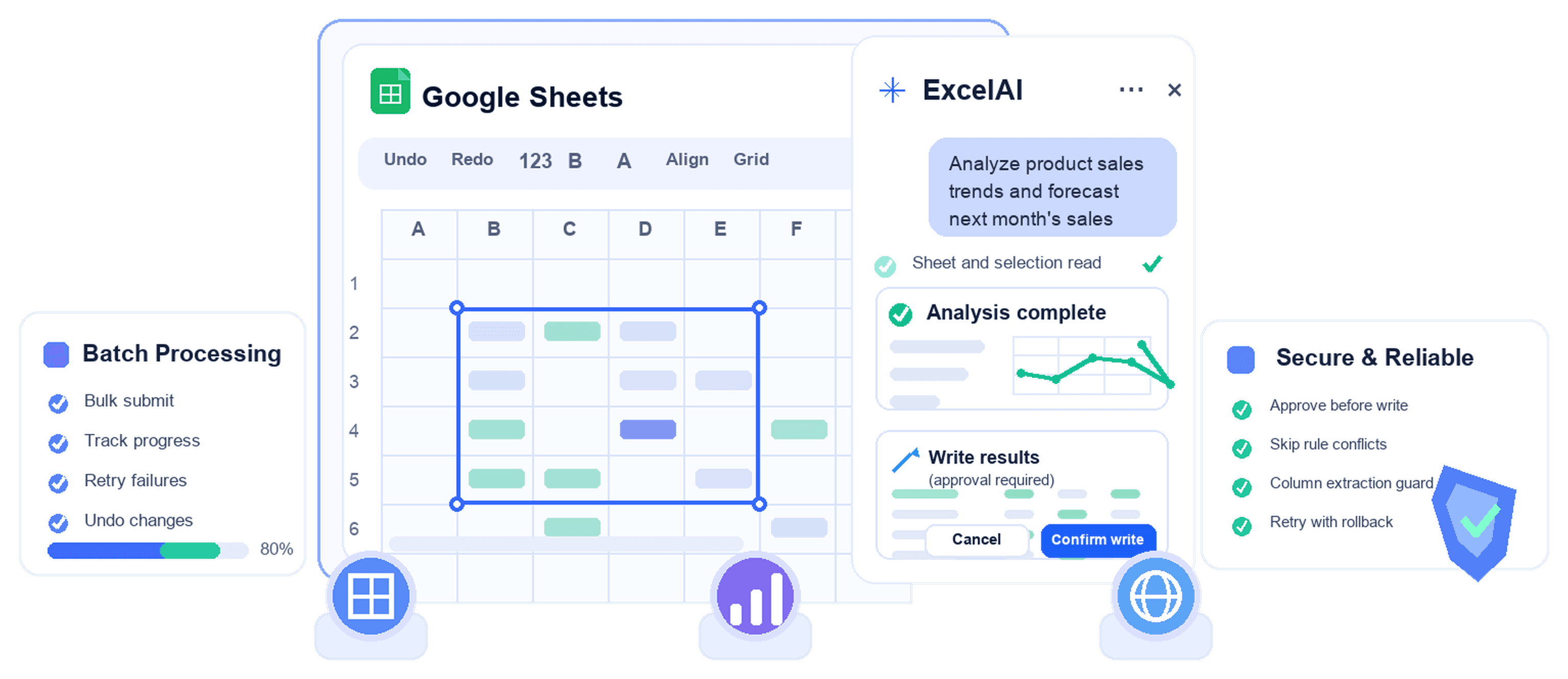
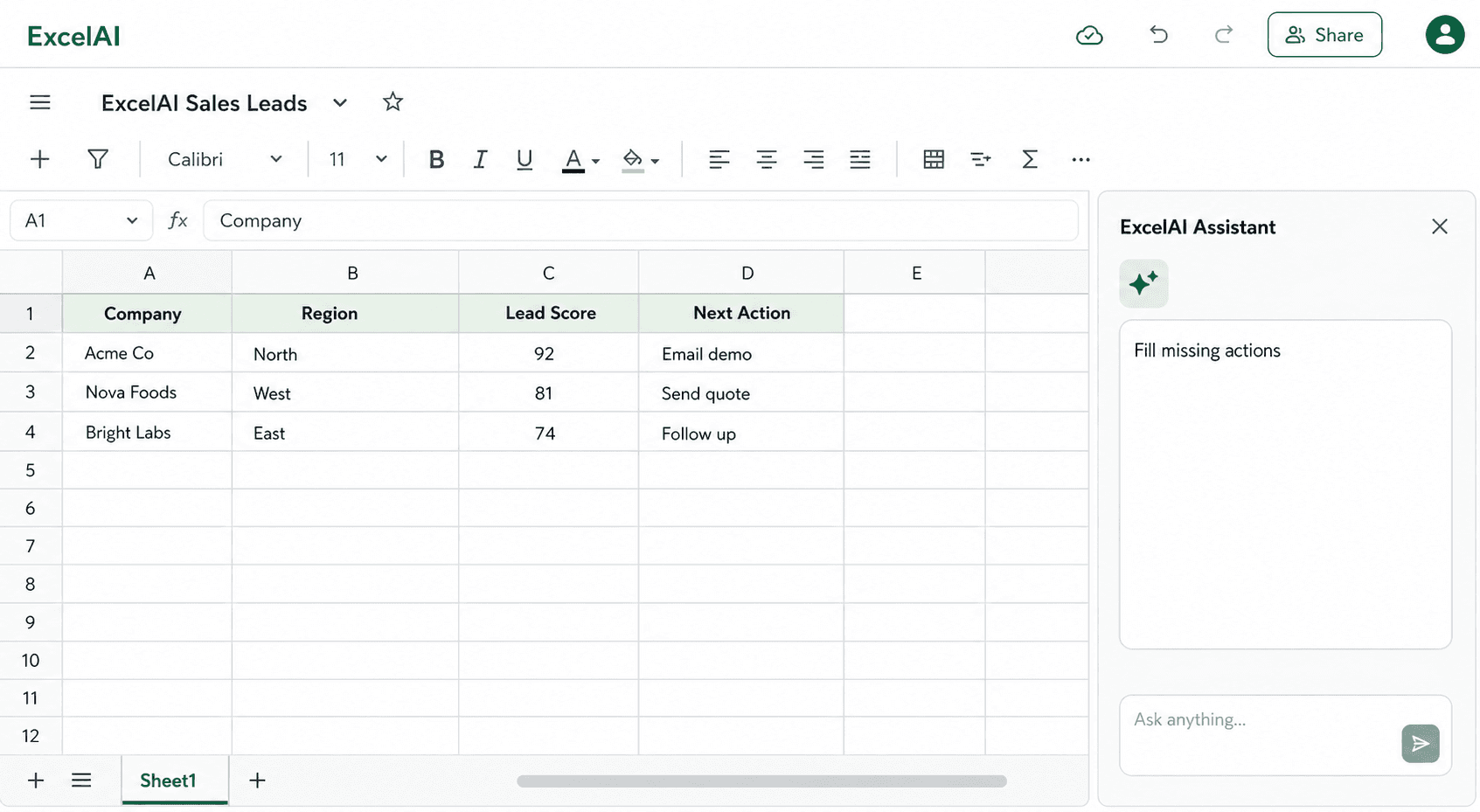
The Agent reads sheet context, understands your active selection, answers questions, writes formulas, clears ranges, inserts rows or columns, and prepares formatting changes for your approval.
Try for free
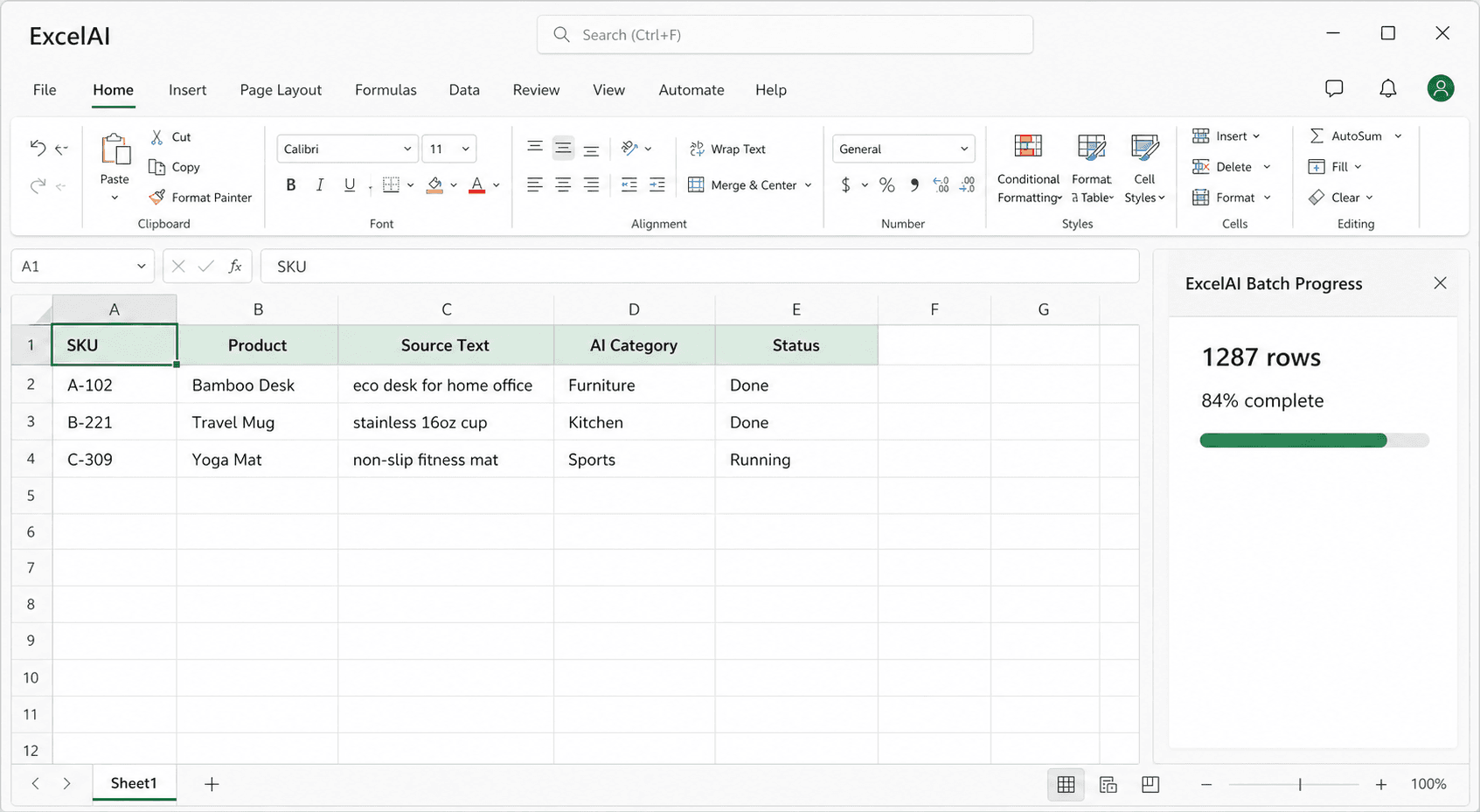
Choose a tool, source column, output column, model, and run range. ExcelAI prepares each row, writes results back to Google Sheets, and keeps progress, retries, and skipped rows visible in the sidebar.
Agent write actions show the action, target range, before preview, and after preview. Approve the change, trust the current session, or reject it and keep the sheet unchanged. Bulk Tools also skip filled result cells by default.
Try for free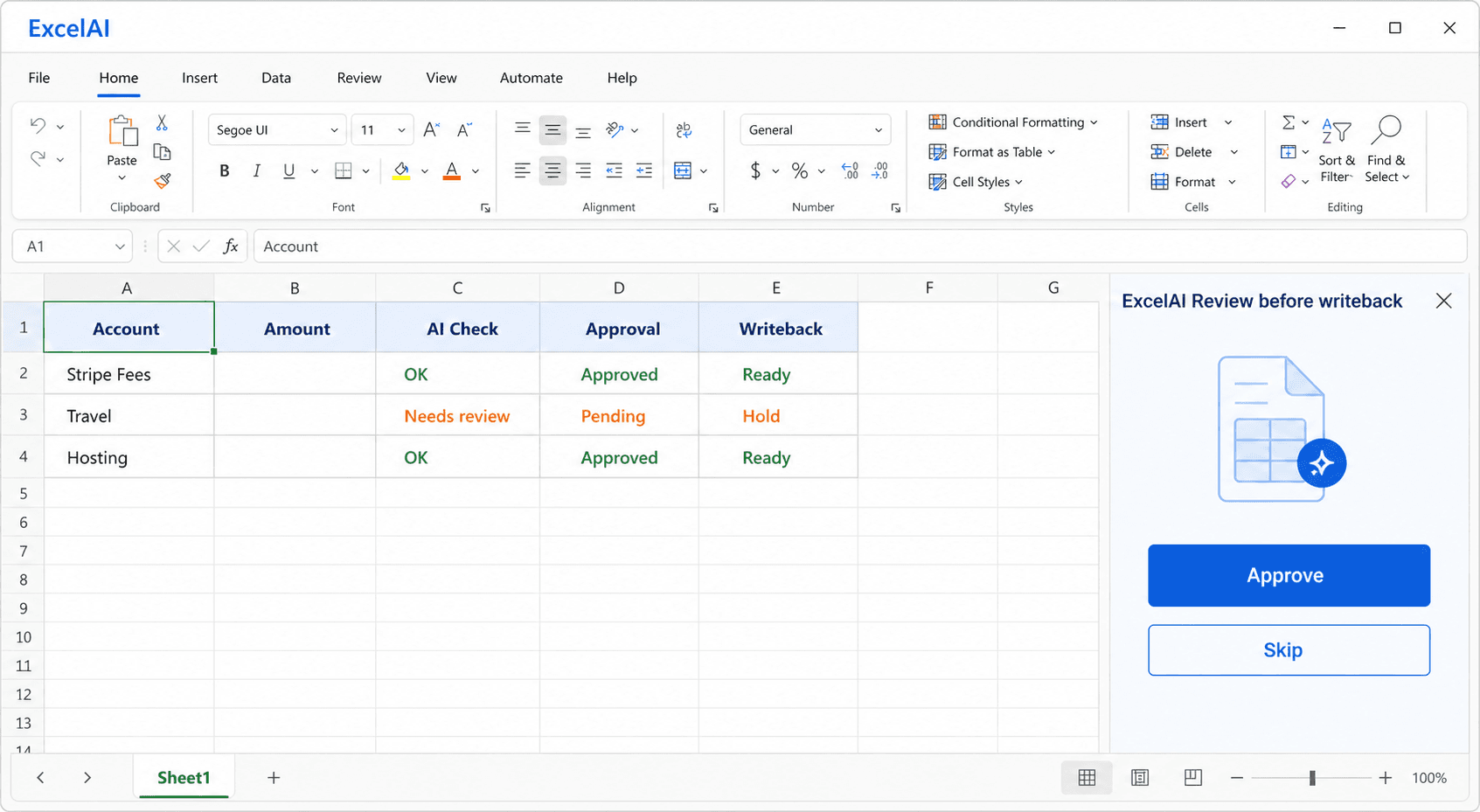
Designed for spreadsheet context, row-by-row workflows, and reviewable sheet changes from the Google Sheets sidebar.
Open the ExcelAI sidebar next to your sheet, select cells, describe the task, and keep results in the spreadsheet where the work already happens.
The Agent can use the active sheet, active selection, sheet names, schema, and ranges to answer questions or prepare edits.

Translate, classify, extract, generate, rewrite, reformat, or run a custom prompt across rows with structured inputs and outputs.

Agent write actions show the action type, target range, before preview, and after preview before anything changes in the sheet.

Agent and Bulk Tools load their own available model lists, defaults, workspace access, and bring-your-own-key options when enabled.

Start new chats, cancel running responses, restore sessions, delete old sessions, and save preferences the Agent can reuse.

Built for Google Sheets workflows
Process many rows through structured tools instead of repeating the same prompt manually.
From everyday operators to power users. It can speed up anyone.





ExcelAI eats repetitive tasks for breakfast